Seamlessly transform target valuesSince mlforecast uses a single global model it can be helpful to apply some transformations to the target to ensure that all series have similar distributions. They can also help remove trend for models that can’t deal with it out of the box.
Data setup
For this example we’ll use a single serie from the M4 dataset.Local transformations
Transformations applied per serie
Differences
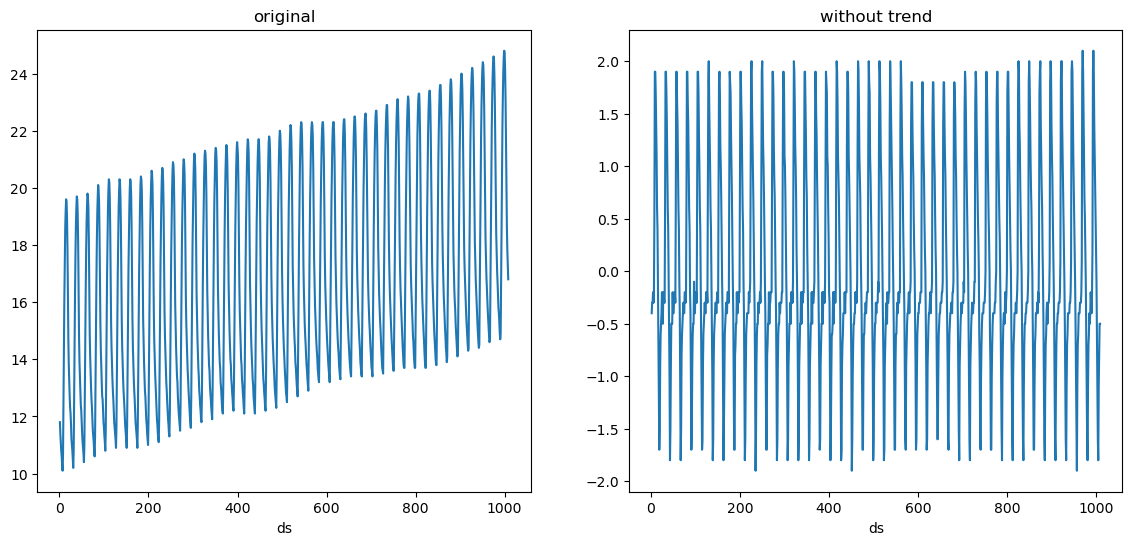
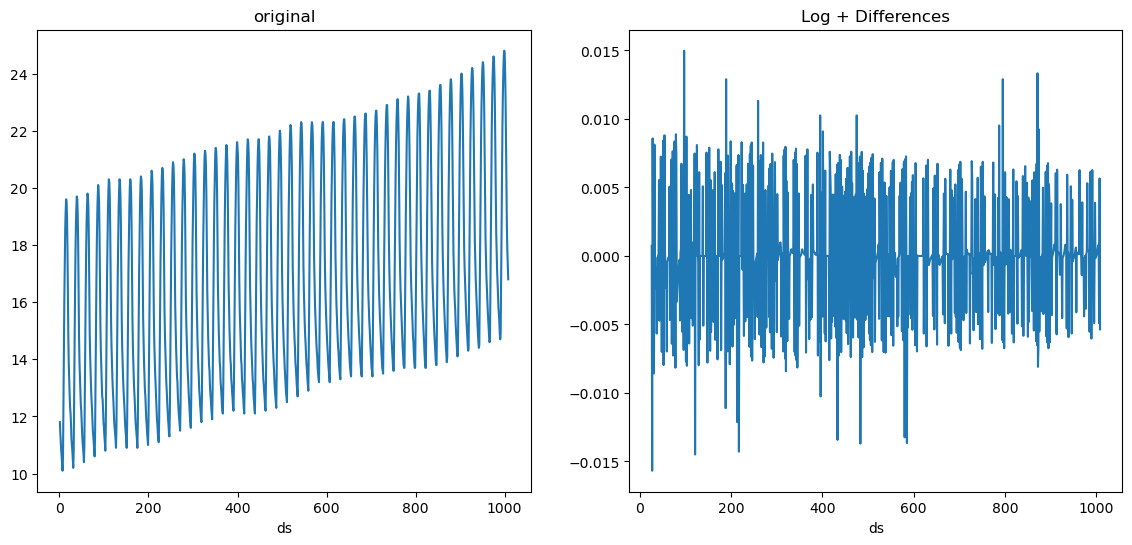
We’ll take a look at our serie to see possible differences that would help our models.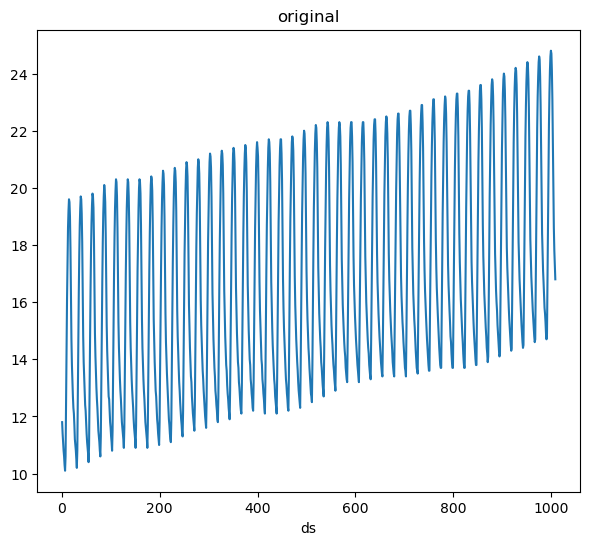
LocalStandardScaler
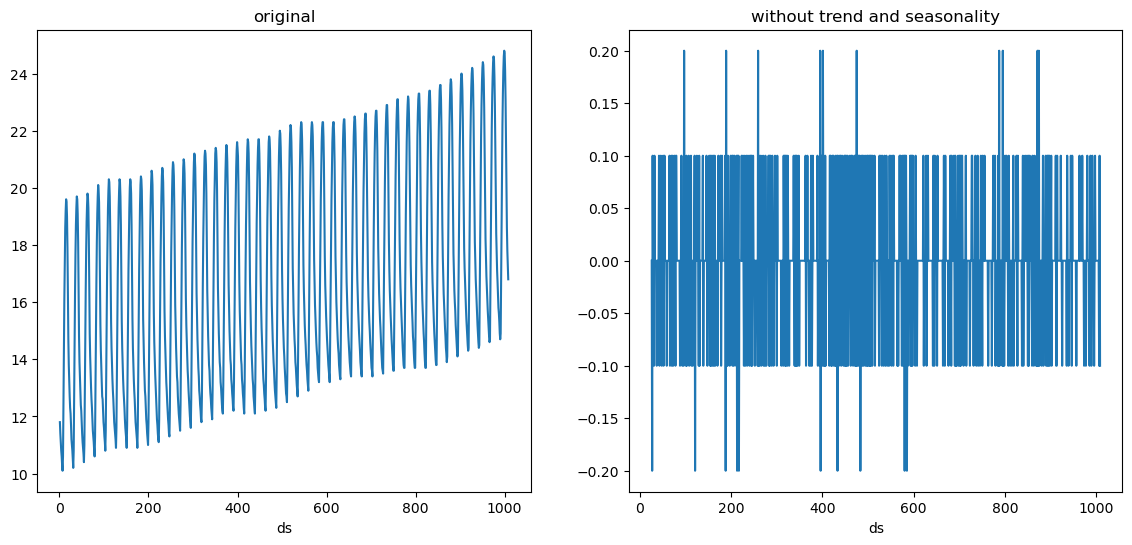
We see that our serie is random noise now. Suppose we also want to standardize it, i.e. make it have a mean of 0 and variance of 1. We can add the LocalStandardScaler transformation after these differences.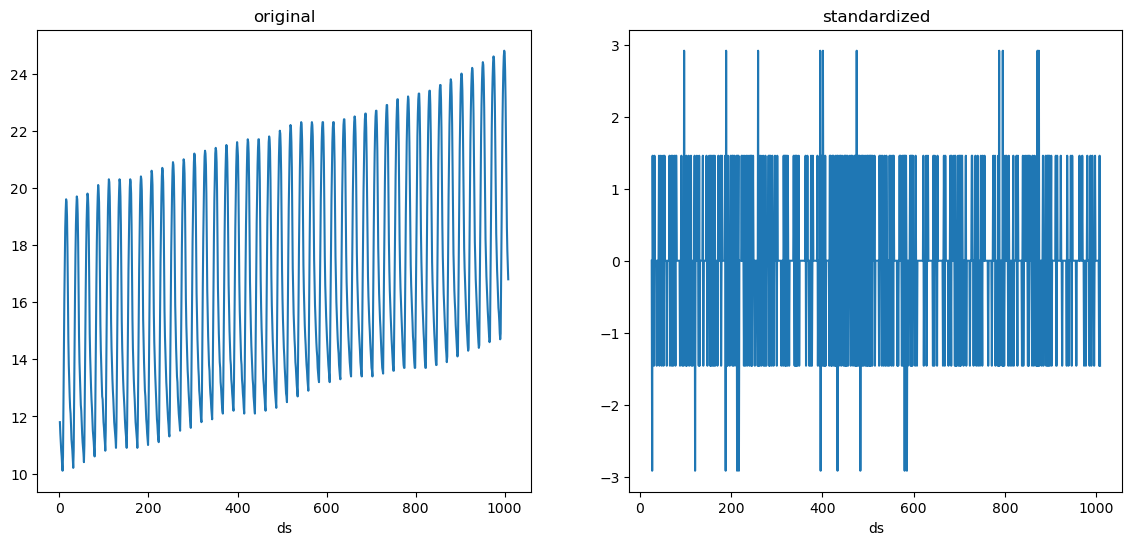
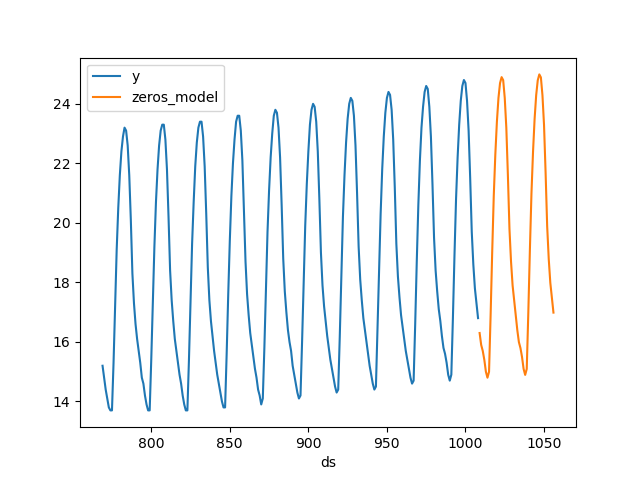
Global transformations
Transformations applied to all series
GlobalSklearnTransformer
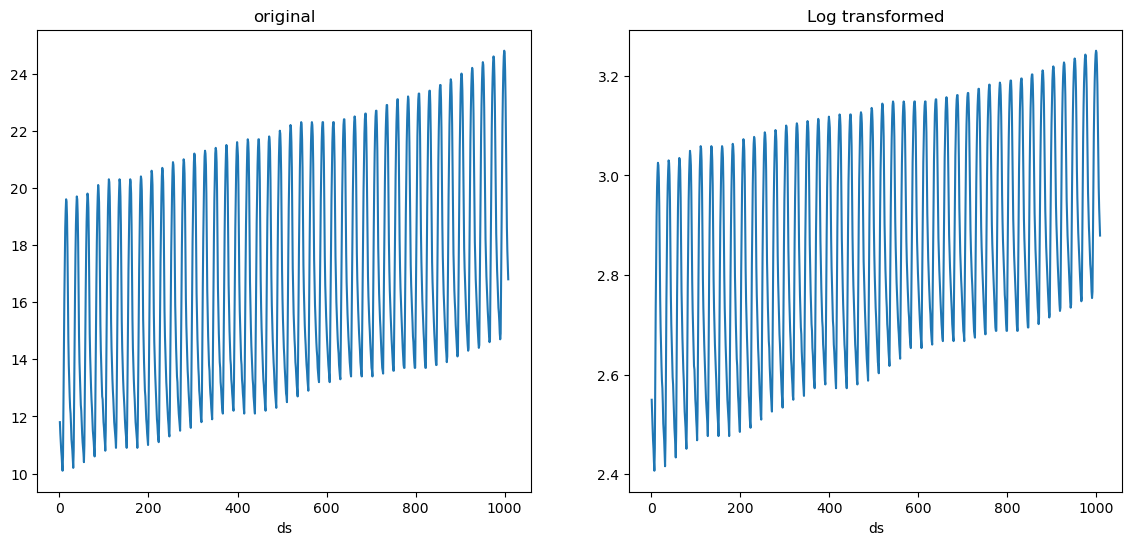
There are some transformations that don’t require to learn any parameters, such as applying logarithm for example. These can be easily defined using theGlobalSklearnTransformer, which takes a scikit-learn
compatible transformer and applies it to all series. Here’s an example
on how to define a transformation that applies logarithm to each value
of the series + 1, which can help avoid computing the log of 0.
Custom transformations
Implementing your own target transformationsIn order to implement your own target transformation you have to define a class that inherits from
mlforecast.target_transforms.BaseTargetTransform (this takes care of
setting the column names as the id_col, time_col and target_col
attributes) and implement the fit_transform and inverse_transform
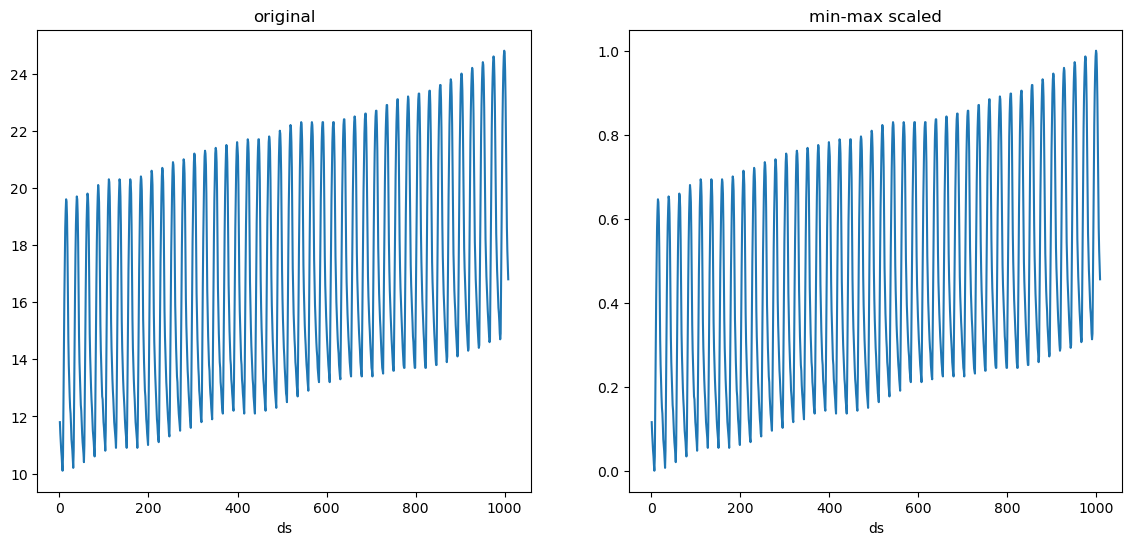
methods. Here’s an example on how to define a min-max scaler.
target_transforms argument.